Programmatic Tags
ℹ️
Available from v1.29.0 / v2.1.0 of the web dashboard.
Programmatic tags allow you to add tags to a session via logs from your app. For example, you may wish to tag a session with a user identifier.
Enabling programmatic tags
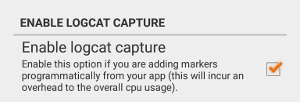
Programmatic tags are enabled by default when using the GameBench desktop app. For the GameBench Android app, go to Settings and enable the option as shown below.
Usage
The syntax is as follows:
gb_set_tag - key=value,key=value,...Taking the user ID example from earlier:
gb_set_tag - user_id=123,another_id=345Tag keys and values may not contain = or ,.
Summary page
Tags are displayed on the session summary page.

Session analysis
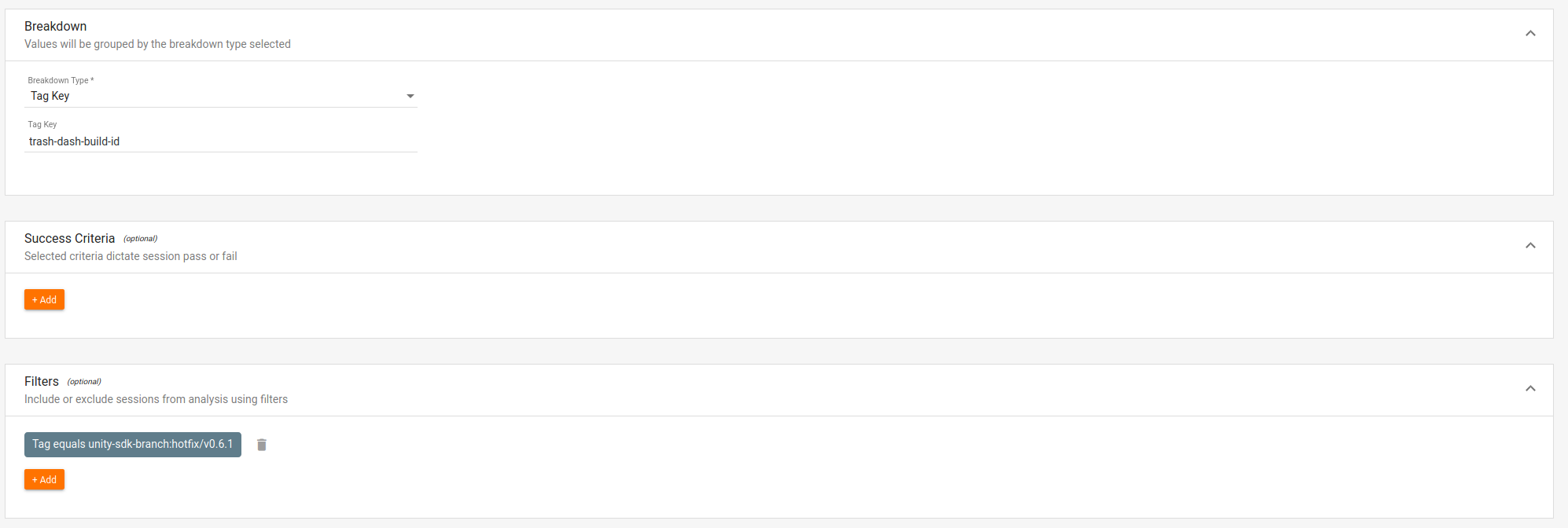
Tags can be used within session analysis to group or filter sessions.
Last updated on