Devices
The Devices page lists all devices that have been used for testing within your active collection. Access it from the More menu in the main navigation bar.
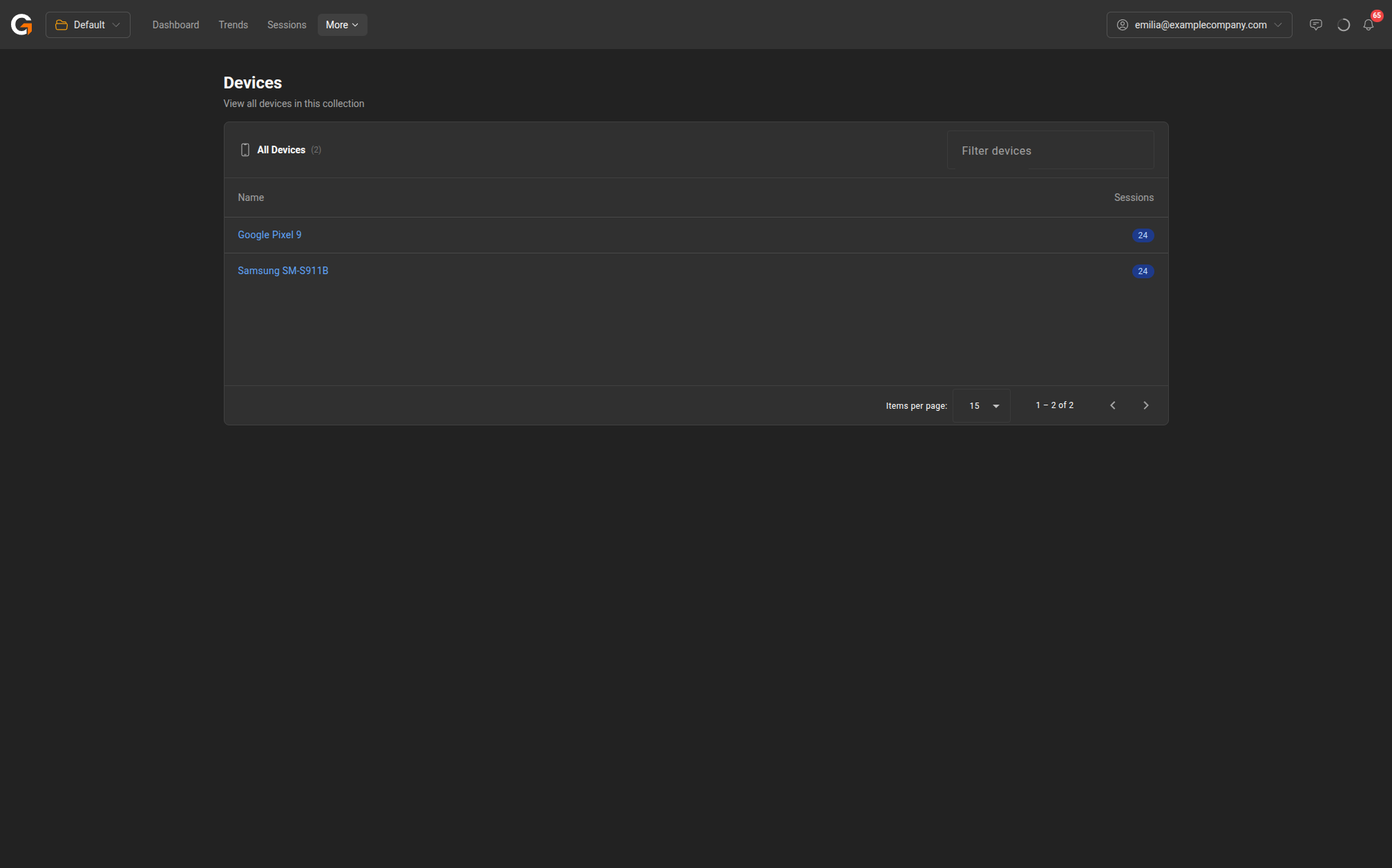
Device List
The page displays a table with the following columns:
| Column | Description |
|---|---|
| Name | The device model name |
| Sessions | The number of test sessions recorded on this device |
Filtering
Use the Filter devices search box to find a specific device by name.
Getting Started
If no devices have been recorded yet, the page displays a prompt to download GameBench tools and start testing. Click Go to Downloads to access the downloads page.
Last updated on