API Tokens
API tokens allow you to interact with the GameBench API without having to log in first. They are separate from your password and can be individually revoked.
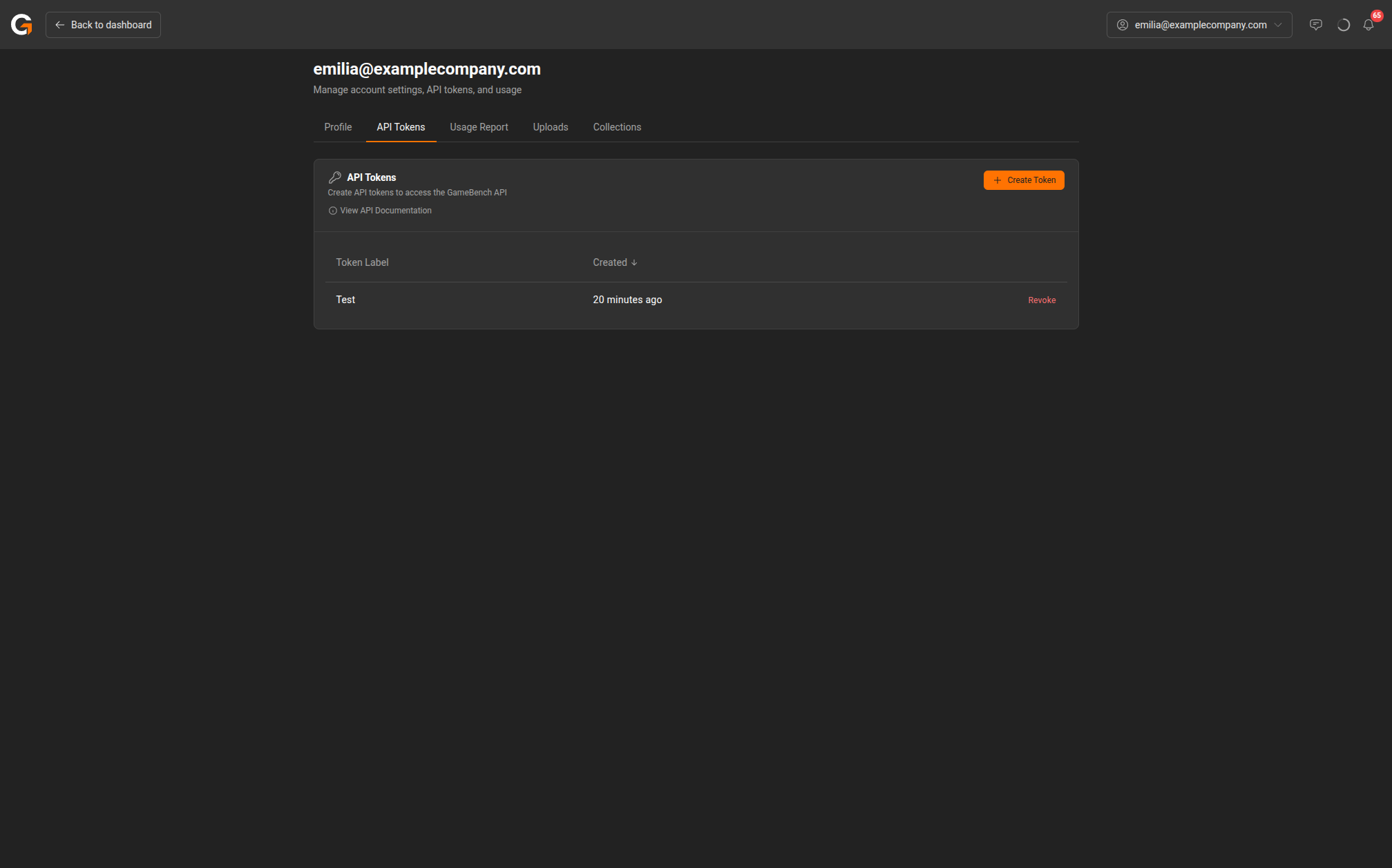
Managing API Tokens
To manage your API tokens:
- Click your email address in the top-right corner of the dashboard.
- Select My Account from the menu.
- Click the API Tokens tab.
Creating a Token
- Click the Create Token button.
- Enter a label for the token (e.g., “CI Pipeline” or “SDK Upload”).
- Copy the generated token immediately – it will not be shown again.
Revoking a Token
To revoke a token, click the Revoke button next to the token in the list. Revoked tokens will immediately stop working for any API calls that use them.
API Documentation
Click View API Documentation on the API Tokens page to access the full API reference.
Last updated on